SamsMind brings capture, filing, search and questions into one workflow on my laptop. The public site shows only the notes I approved for sharing.
My contribution
I defined the note workflow, privacy rules and filing areas, chose which notes to share, then reviewed the implementation built with AI tools.
Use the areas I already have
A saved note receives an ID and timestamp. The filing step chooses from my existing areas (Projects, Areas, Resources, Archives) instead of creating new categories each time.
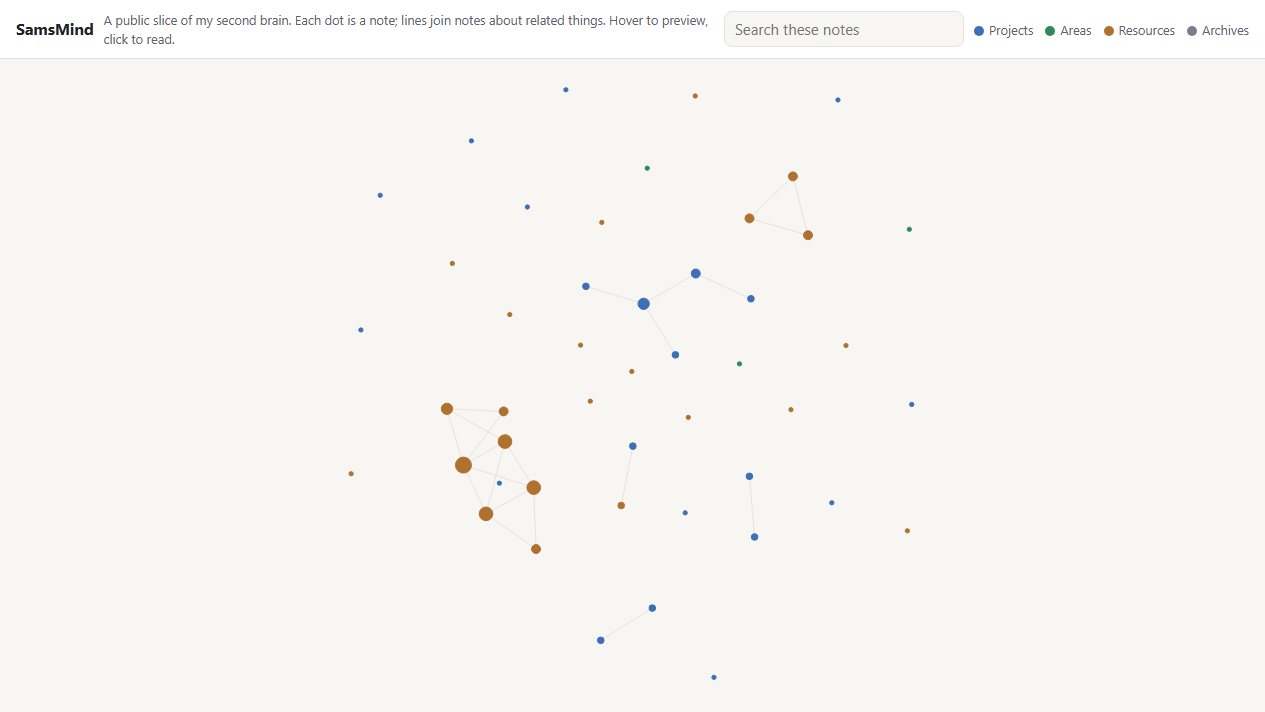
I can find a note through search or a map of connected notes. Both open the same saved material.
Answer with the source attached
The question feature cites the notes used in its answer. A notes-only setting tells it to say when the answer is missing.
If an answer includes general knowledge, that part is labelled separately so I can tell it apart from my saved notes.
Decide where the data goes
Personal notes use local processing. If that route is unavailable, they wait rather than being sent to a cloud model.
The public site is a separate export of notes I marked shareable. The private collection and the app itself stay on my laptop.
The public map
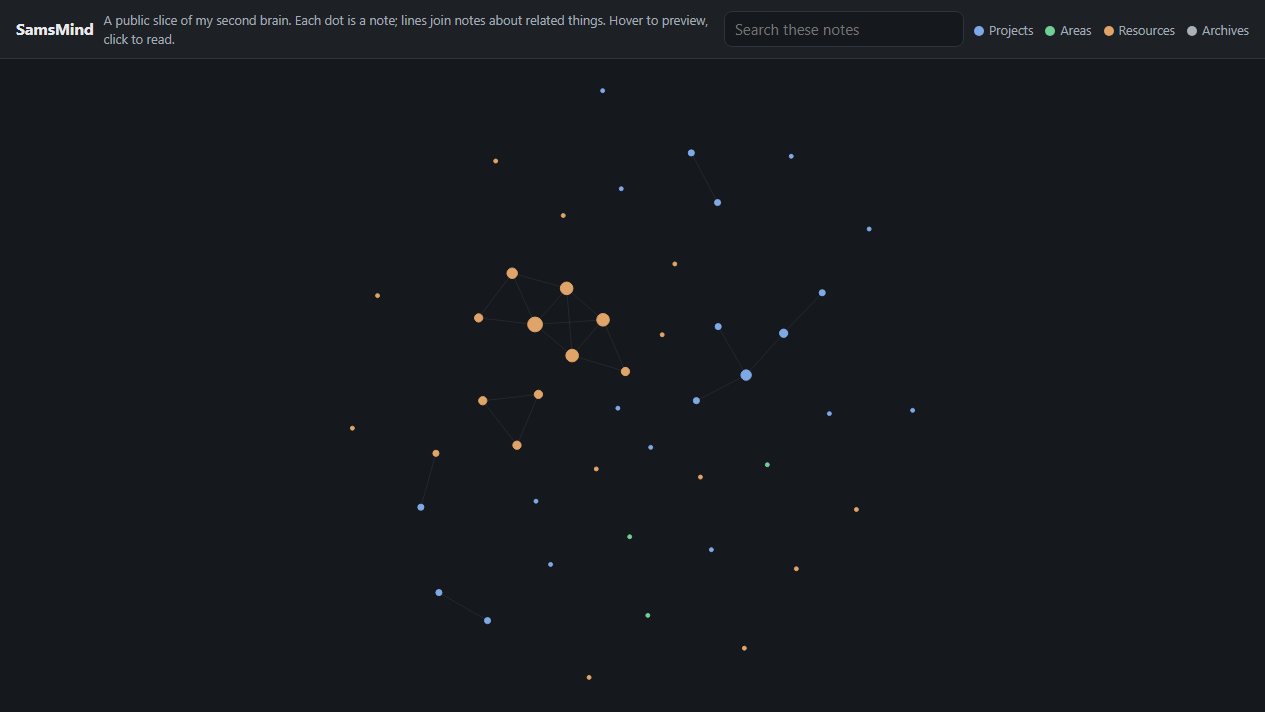
Each dot is a note and lines join related notes. You can hover to preview, click to read, or search.
It is read-only. Capture, sorting, linking and questions run only in the private app.